
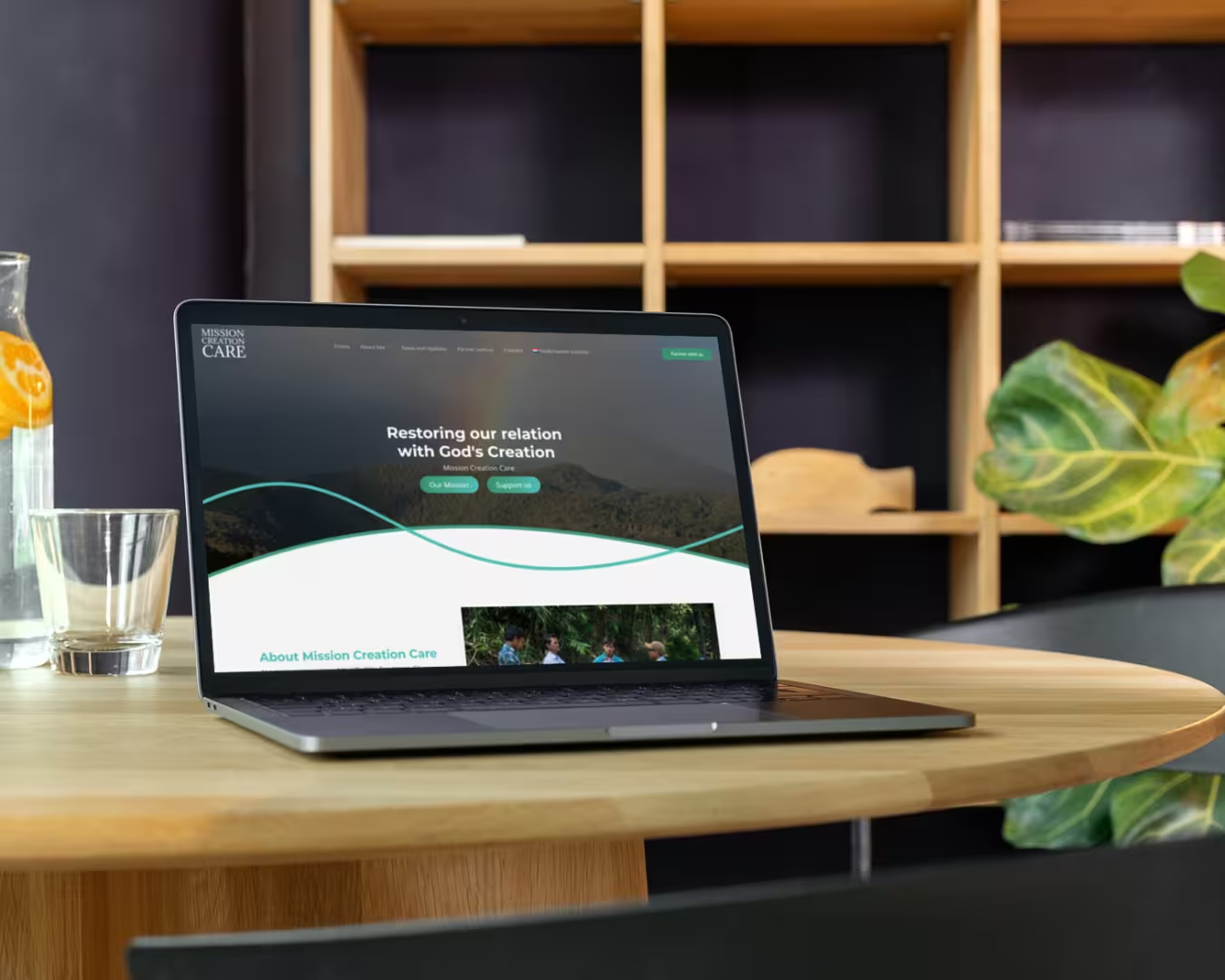
A website is often the first point of contact between your organisation and its audience. Whether you run a non-profit, an association or a business, a well-designed website helps communicate information clearly and encourages visitors to take action. But how do you ensure your website is not only attractive, but also user-friendly? In this blog, we discuss the key principles of an effective website.
1. Provide Clear Navigation
Visitors should be able to find what they are looking for quickly. Keep your menu simple and logical, with no more than six to eight main categories. Use clear names such as 'About Us', 'Services', 'Contact' and 'News' instead of vague or creative terms that may cause confusion.
2. Use a Clear Layout
A good website has a clear structure and enough white space to improve readability. Make sure important elements, such as contact information or a call to action (for example, 'Contact us'), are immediately visible.
3. Optimise for Mobile Devices
More than 60% of internet users view websites on their phones. Responsive design ensures your website displays properly on all screen sizes. Test your website on different devices to ensure a good user experience.
4. Ensure Fast Loading Times
Nobody likes a slow website. Optimise images, minimise unnecessary scripts and choose a fast hosting provider to reduce loading times. Use tools such as Google PageSpeed Insights to analyse performance.
5. Write Clear and Accessible Content
Visitors often scan a website rather than reading everything word for word. Use short paragraphs, lists and clear headings to make information easy to read. Also make sure your text is accessible to a broad audience and avoid jargon.
6. Integrate Calls to Action (CTAs)
What do you want visitors to do? Make a donation, sign up for a newsletter or book an appointment? Place clear, appealing CTA buttons in strategic locations, such as at the top of the page and after informative text.
7. Use Visual Elements
Images and videos make your website more appealing and help convey your message effectively. Use professional photos and make sure they are relevant to your organisation.
8. Provide a Secure and Reliable Website
Secure your website with an SSL certificate (the padlock in the address bar) to protect data. Update your website regularly and choose a reliable hosting provider to prevent security problems.
9. Make It Easy to Get in Touch
Visitors should be able to contact your organisation quickly and easily. Provide a clear contact form and a visible email address.
10. Test and Keep Improving
Use tools such as Google Analytics or Matomo to analyse your visitors' behaviour. What do they click on? How long do they stay on a page? Adjust your website based on these insights.
Let Basic Media Help You
Designing and maintaining a user-friendly website can be challenging. Basic Media helps organisations develop professional, fast and easy-to-find websites that perfectly match their goals.
Want a website that is not only attractive, but effective too? Contact Basic Media or view our previous projects to discover the possibilities.